




Blog Detail
October 29, 2026
Have you ever wondered how an interior designer turns an empty room into a well-planned, beautifully designed space? Behind every successful interior project is a process that combines creativity, technical drawings, space planning and visualisation. Design software plays an important role in bringing these elements together.
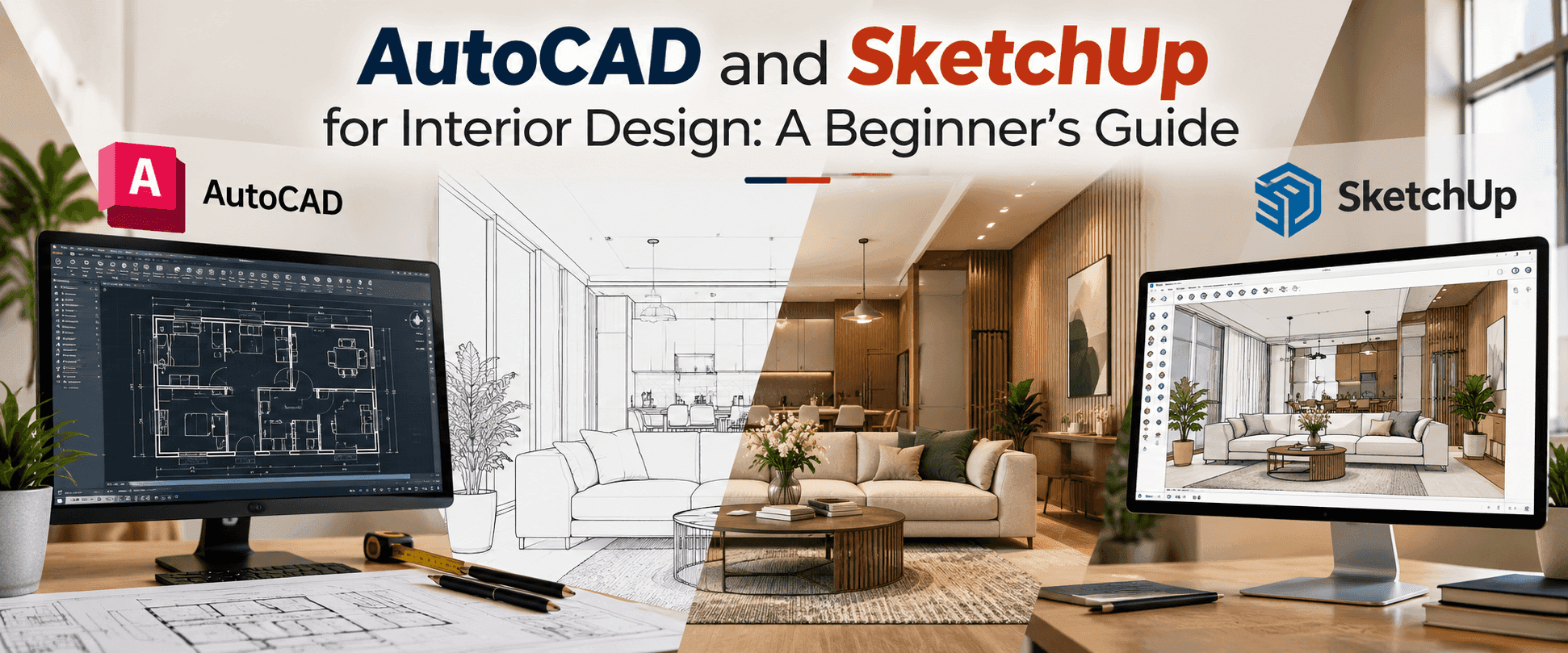
Two widely used tools in interior design are AutoCAD and SketchUp. AutoCAD helps designers prepare accurate technical drawings, while SketchUp makes it easier to create and communicate three-dimensional design concepts. Together, they can help transform an initial idea into a design that clients, contractors and project teams can understand.
If you are considering an interior design course, learning how these tools work can help you understand the technical side of the profession and prepare for practical design projects.
In this beginner's guide, we will explore the differences between AutoCAD and SketchUp, how interior designers use them, which skills to learn first, and how to begin developing your design abilities.
What Is AutoCAD in Interior Design?
AutoCAD is computer-aided design software used to create precise two-dimensional drawings and, where required, three-dimensional models. In interior design, it is particularly useful for preparing technical plans that communicate measurements, layouts and design details.
Interior designers may use AutoCAD to create:
- Floor plans showing room dimensions and layouts
- Furniture layouts that help organise available space
- Electrical and lighting layouts
- Ceiling plans and reflected ceiling plans
- Elevations showing walls, cabinetry and other interior features
- Detailed drawings that support project execution
For example, imagine designing a two-bedroom apartment. Before choosing furniture or finalising the appearance of the rooms, you need to understand the dimensions, door openings, windows and circulation areas. AutoCAD helps you document these details accurately.
Essential AutoCAD Skills for Beginners
If you are new to design software, start with the fundamentals rather than trying to learn every command at once.
1. Basic drawing commands
Learn how to draw lines, rectangles, circles and other basic shapes. These tools form the foundation of technical drafting.
2. Modify commands
Practise trimming, extending, moving, copying, rotating and offsetting objects. These commands help you develop and revise drawings efficiently.
3. Layers and line properties
Understand how layers organise different drawing elements, such as walls, furniture, dimensions and electrical layouts.
4. Dimensions and annotations
Learn to add measurements, notes and labels so that other people can interpret your drawings correctly.
5. Scale and plotting
Understand drawing units, scales, layouts and printing settings. A technically accurate drawing must also be presented clearly.
Once you understand these concepts, practise by preparing a simple bedroom layout, a living room plan and a small apartment floor plan.
What Is SketchUp in Interior Design?
SketchUp is a three-dimensional modelling tool that helps designers visualise spaces, furniture and interior concepts. Its visual and interactive approach makes it a useful option for beginners learning to communicate design ideas.
While a two-dimensional plan explains how a space is arranged, a three-dimensional model helps people understand its volume, proportions and appearance.
Interior designers use SketchUp to:
- Develop three-dimensional room models
- Visualise furniture placement and circulation
- Explore colour combinations and material finishes
- Model kitchens, wardrobes and other furniture elements
- Present design concepts to clients
- Create views that communicate the proposed interior
For example, after preparing the floor plan of a living room, you could build its walls, add windows and doors, position furniture, and experiment with different finishes. This makes it easier to discuss design alternatives before implementation.
Essential SketchUp Skills for Beginners
1. Navigation and camera controls
Learn how to orbit, pan and zoom around your model so that you can work comfortably from different viewpoints.
2. Drawing and modelling tools
Practise using the Line, Rectangle, Push/Pull, Move and Rotate tools to create walls, furniture and basic architectural elements.
3. Groups and components
Organise objects into groups and reusable components. This helps keep your model manageable and makes revisions easier.
4. Materials and textures
Explore how colours, wood finishes, tiles, fabrics and other materials can be represented in your model.
5. Scenes and presentations
Learn to create useful camera views that communicate your design clearly to clients or project teams.
Beginners should start with a single room and gradually progress to larger spaces. Building models with correct proportions and organised geometry is more valuable than adding complicated details too early.
AutoCAD vs SketchUp: What Is the Difference?
AutoCAD and SketchUp serve different purposes in interior design. Here’s how each tool helps designers in practical work.
AutoCAD
· Technical drawings: Create accurate floor plans, elevations and detailed layouts.
· Measurements and dimensions: Document room sizes, wall positions, door openings and furniture placement.
· Drawing organisation: Use layers and line properties to manage different elements of a design.
· Best for: Preparing precise technical drawings and project documentation.
· Example: Creating a dimensioned floor plan for a two-bedroom apartment.
SketchUp
· 3D modelling: Build three-dimensional representations of rooms, furniture and interior spaces.
· Design visualisation: Explore colours, materials, textures and furniture arrangements.
· Concept presentation: Help clients understand the proposed design before implementation.
· Best for: Visualising spaces and communicating creative ideas.
· Example: Creating a 3D model of the same apartment to demonstrate its furniture layout and finishes.
Neither tool replaces the designer's understanding of space, materials or construction. Software is most useful when it supports sound design decisions.
Should You Learn AutoCAD or SketchUp First?
The right starting point depends on your current skills and learning goals. If you are completely new to interior design, begin by understanding basic floor plans, room measurements, furniture dimensions and space planning.
You can then learn AutoCAD to communicate layouts accurately and SketchUp to explore the same spaces in three dimensions.
A useful learning sequence is:
1. Understand interior design fundamentals and basic drafting.
2. Practice room layouts and technical drawings in AutoCAD.
3. Build simple three-dimensional spaces in SketchUp.
4. Apply materials, furniture and finishes to your models.
5. Develop a small project that connects the floor plan with the 3D visualisation.
6. Review your work, correct mistakes and present the final design clearly.
As you become more confident, you can explore additional tools and rendering workflows relevant to your preferred area of interior design.
How to Practise AutoCAD and SketchUp Through Real Projects
Watching tutorials can help you understand individual tools, but practical assignments are important for learning how to use them in a design context.
Try the following beginner projects:
Project 1: Bedroom planning
Measure a sample bedroom, create a floor plan in AutoCAD, and test furniture arrangements. Check whether the layout allows comfortable movement and practical access to storage.
Project 2: Living room design
Prepare a living room layout and build a corresponding SketchUp model. Experiment with furniture placement, wall finishes and lighting concepts.
Project 3: Kitchen layout
Create a basic kitchen plan that considers work areas, storage, appliances and movement. Then use a 3D model to communicate the arrangement.
Project 4: Small apartment concept
Bring together a floor plan, furniture layouts, material choices and three-dimensional views for a small apartment. Present the design as a coordinated project rather than a collection of unrelated images.
These exercises help you understand the connection between technical drawings and visual design. They can also become useful examples in a student portfolio, provided you document your own work honestly.
Career Opportunities That Use AutoCAD and SketchUp
Knowledge of design software can support several career paths, depending on your broader design skills and experience.
Interior Design Assistant
Assists design teams with layouts, drawings, material research and project documentation.
CAD Designer or Draftsperson
Focuses on preparing and revising technical drawings according to project requirements.
3D Interior Visualisation Designer
Creates three-dimensional models and presentation views to communicate proposed interior spaces.
Residential Interior Designer
Works on homes and apartments, combining space planning, material selection, furniture layouts and client requirements.
Commercial Interior Design Professional
Contributes to the planning of offices, retail stores, restaurants and other business environments.
Learning software alone does not guarantee employment. Employers may also look for design fundamentals, drawing accuracy, communication, attention to detail, a relevant portfolio and the ability to work with project requirements.
How to Choose an Interior Design Course That Teaches Practical Skills
If you are comparing interior design courses in bangalore, look beyond the course name and ask how the training is delivered.
A well-structured programme should help you connect software skills with the principles of interior design. Before enrolling, consider whether the course covers:
· Interior design fundamentals and space planning
· Technical drawing and measurement
· AutoCAD and relevant 3D modelling tools
· Materials, finishes and furniture layouts
· Practical assignments and portfolio development
· Opportunities to understand real project workflows
· Guidance from trainers and support with career preparation
Also check the course duration, curriculum, schedule and fees to ensure they match your learning goals.
Learn Interior Design Software with Eduleem
At Eduleem, we believe that learning interior design involves more than understanding design concepts. Students also need opportunities to practise, develop technical skills and understand how design ideas are communicated in real projects.
Our interior design training combines design fundamentals with practical learning, helping students explore space planning, design software and project-based work. The programme includes practical workshops, a factory visit, a three-month internship and a live project, subject to the specific course offering.
Students also receive guidance from experienced trainers and placement support as they prepare for career opportunities. Developing confidence with software, building a portfolio and learning how to apply design principles are important steps in preparing for the industry.
If you are looking for an interior design course that combines creative learning with practical exposure, Eduleem can help you explore the available programme options and understand which course best fits your goals.
New Batch Starting Soon at Eduleem!
Ready to begin learning interior design and develop practical software skills?
Explore the available programmes at Eduleem and speak with our team about the curriculum, course duration, practical training and upcoming batch.
For more details, contact us:
Phone: 96064 57497
Website: https://www.eduleem.com
Take the first step towards turning your interest in design into practical skills and a future in the interior design industry.
Frequently Asked Questions
Everything You Need to Know
Yes, Eduleem provides 100% placement support after completing the interior design course, helping students prepare for career opportunities in the interior design industry.
Get in Touch With Us
Choosing the right course can be confusing. Book a consultation with our expert trainers to get clear guidance and choose the right learning path for your career.


